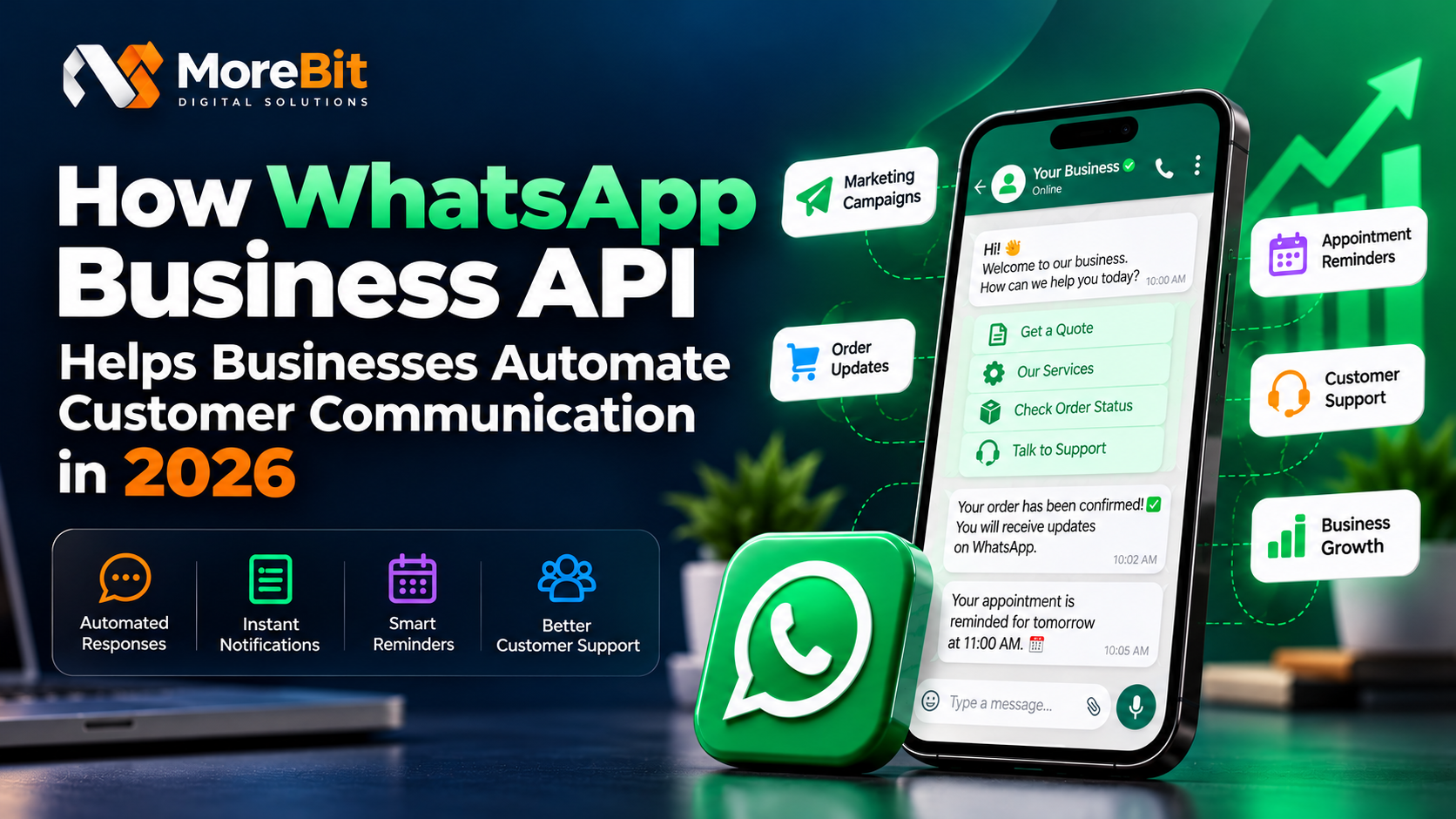
How WhatsApp Business API Helps Businesses Automate Customer Communication in 2026
Customer communication plays a major role in building trust, improving customer satisfaction, and growing a business. Whether a company operates an online store, provides professional services, manages appointments, or sells products locally, customers expect quick responses and timely updates.
Managing every conversation manually can become difficult as a business grows. Messages may be missed, follow-ups may be delayed, and repetitive questions can consume valuable working hours.
This is where the WhatsApp Business API can help. It enables businesses to integrate WhatsApp messaging with their existing systems and automate important customer communication workflows.
In this guide, we explore how WhatsApp Business API works, its key benefits, and how businesses can use it to build more efficient communication processes in 2026.
What Is WhatsApp Business API?
WhatsApp Business API, commonly associated with the WhatsApp Business Platform, is a business messaging solution that allows eligible businesses to communicate with customers through integrated software and applications.
Unlike a basic WhatsApp setup designed primarily for individual conversations and smaller operations, the API can connect WhatsApp messaging with CRM systems, websites, e-commerce platforms, booking systems, and other business applications.
Depending on the integration, businesses can use it to send approved message templates, manage incoming messages, provide automated responses, and trigger notifications based on specific events.
For example, when a customer places an order on an e-commerce website, the connected system can initiate an appropriate order confirmation message through WhatsApp.
Businesses must follow WhatsApp's applicable messaging policies, consent requirements, template rules, and other platform restrictions.
Why Customer Communication Automation Matters
As customer enquiries increase, manually managing every interaction becomes challenging. Employees may spend considerable time answering the same questions, sending reminders, confirming appointments, and sharing order updates.
Automation helps standardize these repetitive processes while allowing staff to focus on conversations that require personal attention.
Some common challenges businesses face include:
- Delayed responses to customer enquiries.
- Missed appointment reminders and follow-ups.
- Repetitive manual work for order updates and notifications.
- Difficulty managing a growing number of customer conversations.
- Limited visibility into communication history.
A well-designed messaging workflow can reduce these operational challenges and help businesses provide more consistent customer service.
7 Ways WhatsApp Business API Can Help Businesses
1. Automate Customer Enquiry Responses
Businesses frequently receive questions about their services, pricing, availability, working hours, and booking procedures.
With an appropriate integration, incoming messages can trigger automated replies, menu-based interactions, or routing to the relevant support person.
For example, a customer contacting a digital agency could receive information about website development, SEO services, or the next steps for requesting a quotation.
Automation should make it easier for customers to find information, with a clear option to reach a human representative when needed.
2. Send Order Confirmations and Delivery Updates
E-commerce businesses can connect their order management systems with WhatsApp messaging to provide useful updates throughout the order journey.
Possible notifications include:
- Order confirmation.
- Payment confirmation.
- Order dispatch updates.
- Delivery status notifications.
- Cancellation or refund updates.
These messages can be triggered by events in the business system, subject to the applicable WhatsApp messaging rules and approved templates where required.
Providing relevant updates can help customers understand what is happening with their orders without needing to contact support for every detail.
3. Automate Appointment Reminders
Clinics, salons, consultants, educational institutions, and other appointment-based businesses often need to remind customers about scheduled visits.
A connected booking system can trigger reminder messages before an appointment. Businesses may also support confirmation, cancellation, or rescheduling workflows when their integration allows it.
For example, a customer who books a consultation could receive an appointment confirmation followed by a reminder before the scheduled time.
The actual timing and content should be configured according to customer preferences, business requirements, and applicable messaging policies.
4. Improve Lead Follow-Ups
Businesses often receive leads through website forms, advertising campaigns, landing pages, and social media.
When a customer has provided the appropriate consent and the workflow complies with WhatsApp's policies, an integration can help initiate relevant follow-ups, acknowledge an enquiry, or notify a sales representative.
A practical workflow might look like this:
- A visitor submits an enquiry form on the website.
- The business system stores the enquiry.
- The assigned team member receives a notification.
- An eligible WhatsApp message acknowledges the enquiry.
- The sales representative continues the conversation when needed.
Automated follow-ups should be relevant, respectful, and limited to communications the customer has agreed to receive.
5. Connect WhatsApp With Existing Business Software
One of the major advantages of API-based messaging is the ability to connect communication with other business systems.
Depending on the available integration, WhatsApp can work alongside:
- Customer relationship management (CRM) systems.
- E-commerce platforms.
- Appointment booking software.
- Customer support dashboards.
- Website enquiry forms.
- Internal order and notification systems.
For example, when an invoice is marked as paid in a connected application, the system could trigger a payment confirmation message.
The API provides messaging capabilities, while the connected application determines when a message should be initiated and what information should be included.
6. Manage Customer Conversations More Efficiently
As the volume of incoming messages grows, businesses may need a shared inbox, conversation assignment, internal notes, customer history, and reporting features.
These capabilities are generally provided by the software integrated with WhatsApp, rather than automatically included in every API implementation.
A suitable messaging dashboard can help businesses organize conversations, assign enquiries to team members, and maintain a clearer record of customer interactions.
This is particularly useful for businesses that need multiple people to manage customer support or sales conversations.
7. Support Business Growth With Scalable Messaging
As a business expands, its communication requirements may change. It may need additional workflows, more integrations, improved monitoring, or a structured way to manage customer interactions.
A properly designed WhatsApp Business Platform integration can support these evolving requirements, subject to Meta's platform limits, account eligibility, messaging policies, and applicable charges.
Businesses should begin with clearly defined use cases and expand gradually based on actual operational needs.
WhatsApp Business App vs WhatsApp Business API
The WhatsApp Business App and WhatsApp Business Platform serve different business requirements.
| FeatureWhatsApp Business AppWhatsApp Business API | ||
| Primary use | Smaller-scale business conversations | Integrated business messaging |
| Software integration | More limited | Designed for supported integrations |
| Automated workflows | Basic built-in tools | Custom workflows through connected software |
| CRM integration | Depends on available tools | Possible through an integration |
| Order and booking notifications | Often managed manually or with available tools | Can be event-triggered through connected systems |
| Shared team inbox | Depends on available features | Possible through suitable connected software |
The best choice depends on business size, messaging volume, workflow complexity, and integration requirements. The API is not automatically necessary for every small business.
Is WhatsApp Business API Suitable for Every Business?
WhatsApp Business API can be useful for businesses that need structured customer messaging and software integration.
Examples include:
- E-commerce: Order confirmations and delivery updates.
- Healthcare and clinics: Appointment reminders, subject to appropriate privacy safeguards.
- Education: Admission enquiries and important announcements.
- Professional services: Enquiry acknowledgements and consultation reminders.
- Travel and hospitality: Booking confirmations and service updates.
- Digital agencies: Project notifications, customer support, and payment reminders.
Before implementing a solution, businesses should identify their actual requirements, evaluate integration costs, and ensure that their messaging practices comply with applicable policies and laws.
Important Things to Consider Before Implementation
WhatsApp automation should be implemented carefully. Businesses should consider the following:
Customer consent: Obtain the required permission before sending business-initiated messages and respect opt-out requests.
Message templates: Business-initiated messages may require approved templates, depending on the message type and current platform rules.
Integration quality: Ensure that the website, CRM, booking system, or other connected application triggers messages correctly.
Data security: Protect customer information with appropriate access controls, secure credentials, and responsible data handling.
Costs and limits: Review the current pricing, messaging categories, account limits, and applicable platform requirements before selecting a solution.
Human support: Provide an appropriate way for customers to reach a person when an automated response cannot resolve their issue.
A successful implementation focuses on useful communication rather than sending unnecessary messages.
How MoreBit Connect Can Help
MoreBit Connect is MoreBit's WhatsApp API product initiative, intended to help businesses explore integrated messaging and communication workflows.
Depending on the features implemented and the customer's configuration, a solution like MoreBit Connect can support use cases such as website enquiry notifications, customer updates, order-related messages, appointment reminders, and other business communication workflows.
The right setup depends on the customer's existing systems, required features, and WhatsApp Business Platform eligibility.
Businesses interested in WhatsApp messaging automation can contact MoreBit to discuss their requirements and explore a suitable integration.
Conclusion
WhatsApp Business API gives businesses a way to connect customer messaging with their existing applications and operational workflows. From enquiry acknowledgements and appointment reminders to order updates and CRM integrations, it can help make communication more organized and consistent.
However, successful automation requires more than connecting an API. Businesses need relevant messaging workflows, customer consent, secure integrations, and an appropriate balance between automation and human support.
By identifying repetitive communication tasks and implementing the right integrations, businesses can build a more efficient customer communication process as they grow.
Looking to integrate WhatsApp messaging into your business workflow?
Visit MoreBit or contact us at hello.morebit@gmail.com to discuss your requirements.